macOS
Download .dmg
Latest build · always the current version
Distributed via GitHub
macOS · Apple Silicon · free
Your AI tools. One native workspace. Integrated coder and orchestrator.
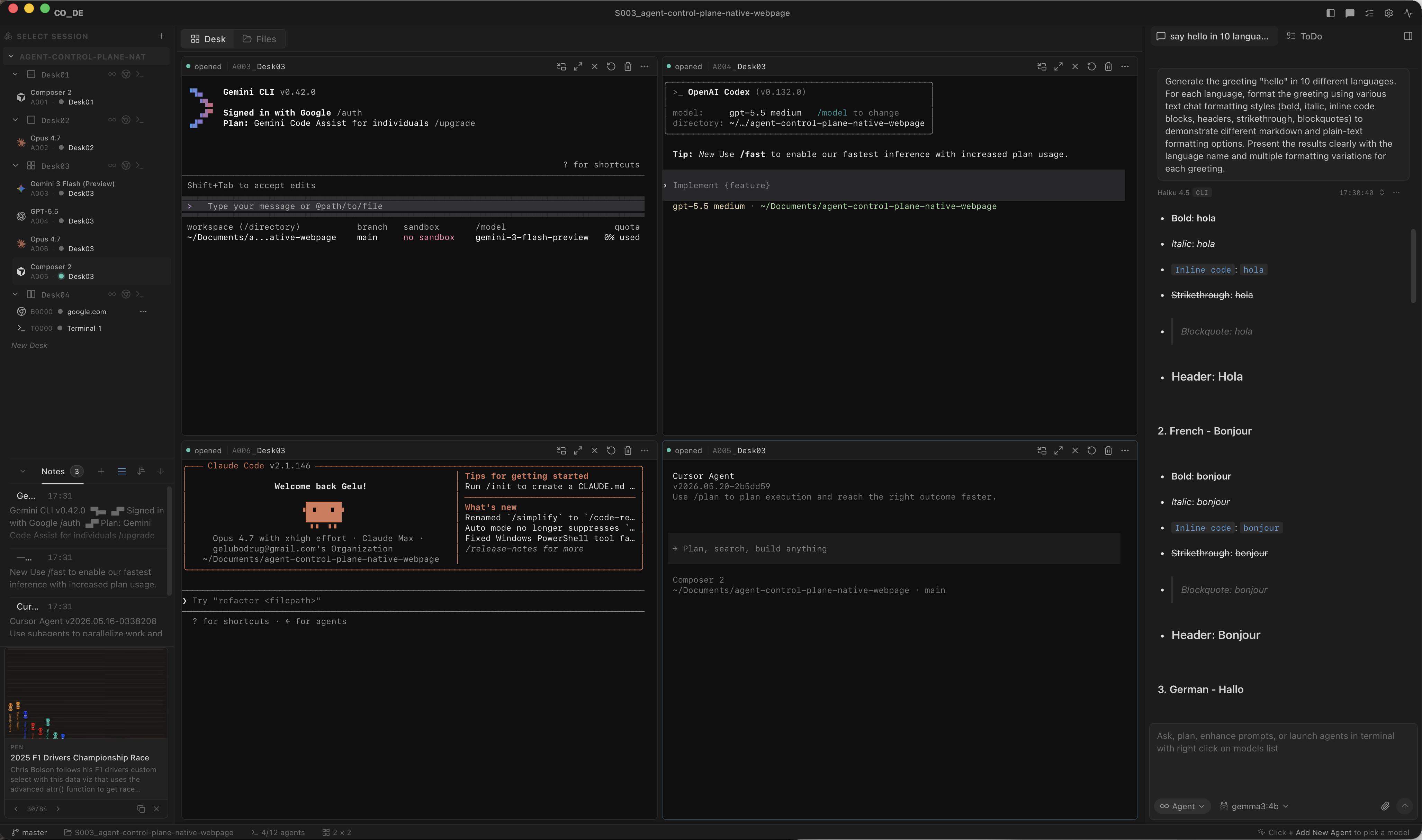
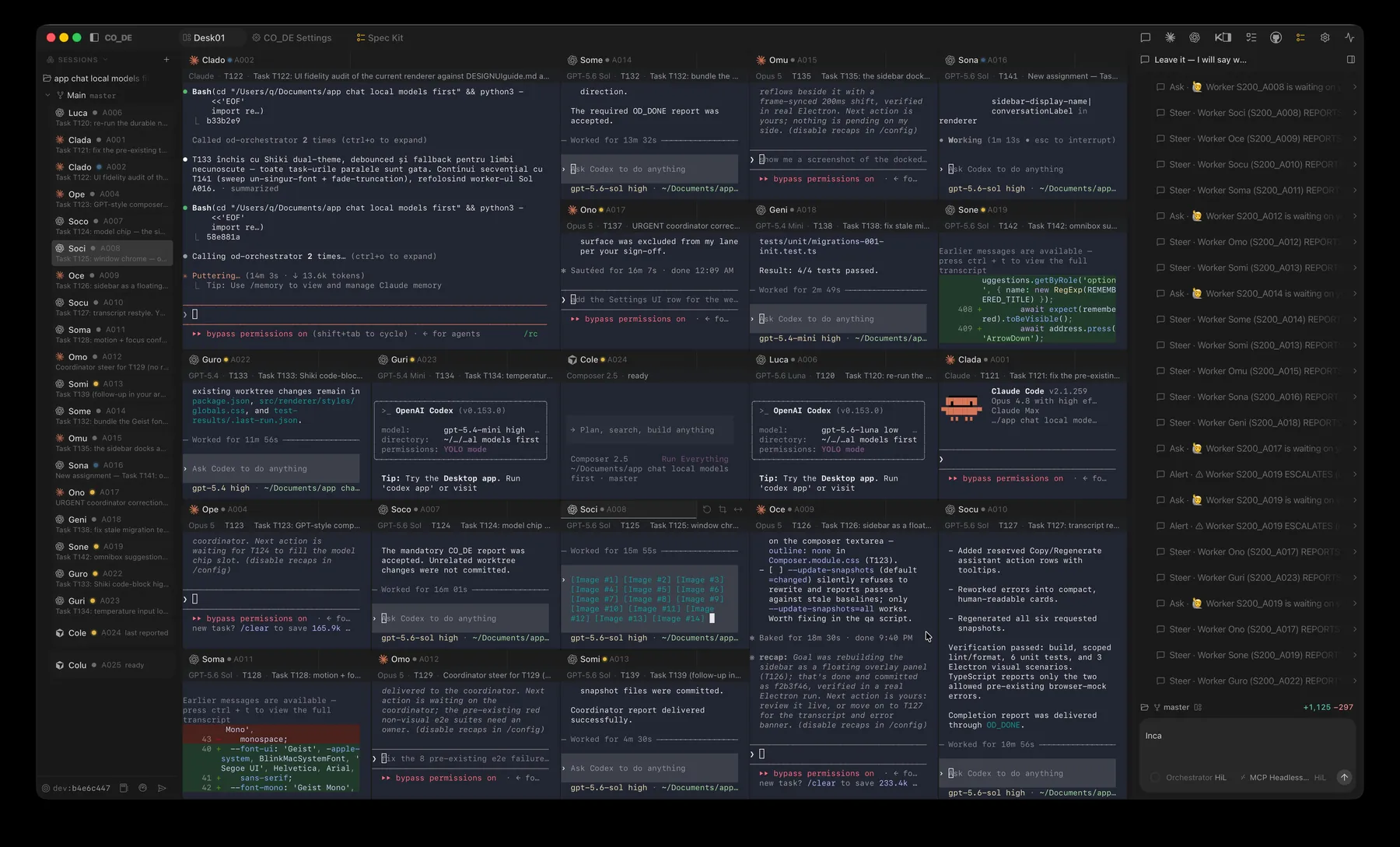
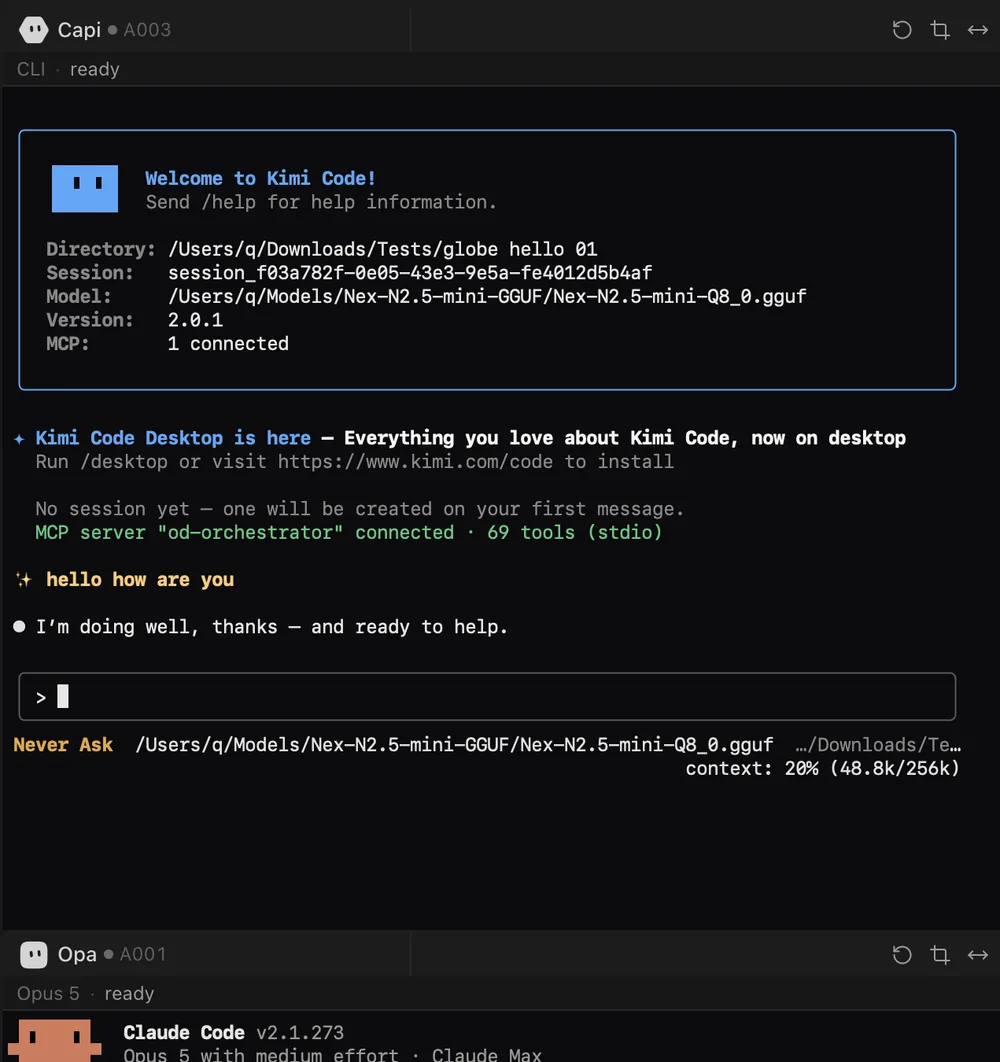
Claude Code, Codex, Cursor Agent, Kimi Code — side by side in one structured workspace. The coder and the orchestrator come with the app, built on Pi. Over MCP the same seat is open to anyone else: any CLI, inside the app or outside it, and any local model in any harness. The brain behind it is yours — your own GPU, or your Claude or Codex subscription through that vendor's own CLI.
02 Workflow
Browser. Terminal. Tasks.
All in one desk.
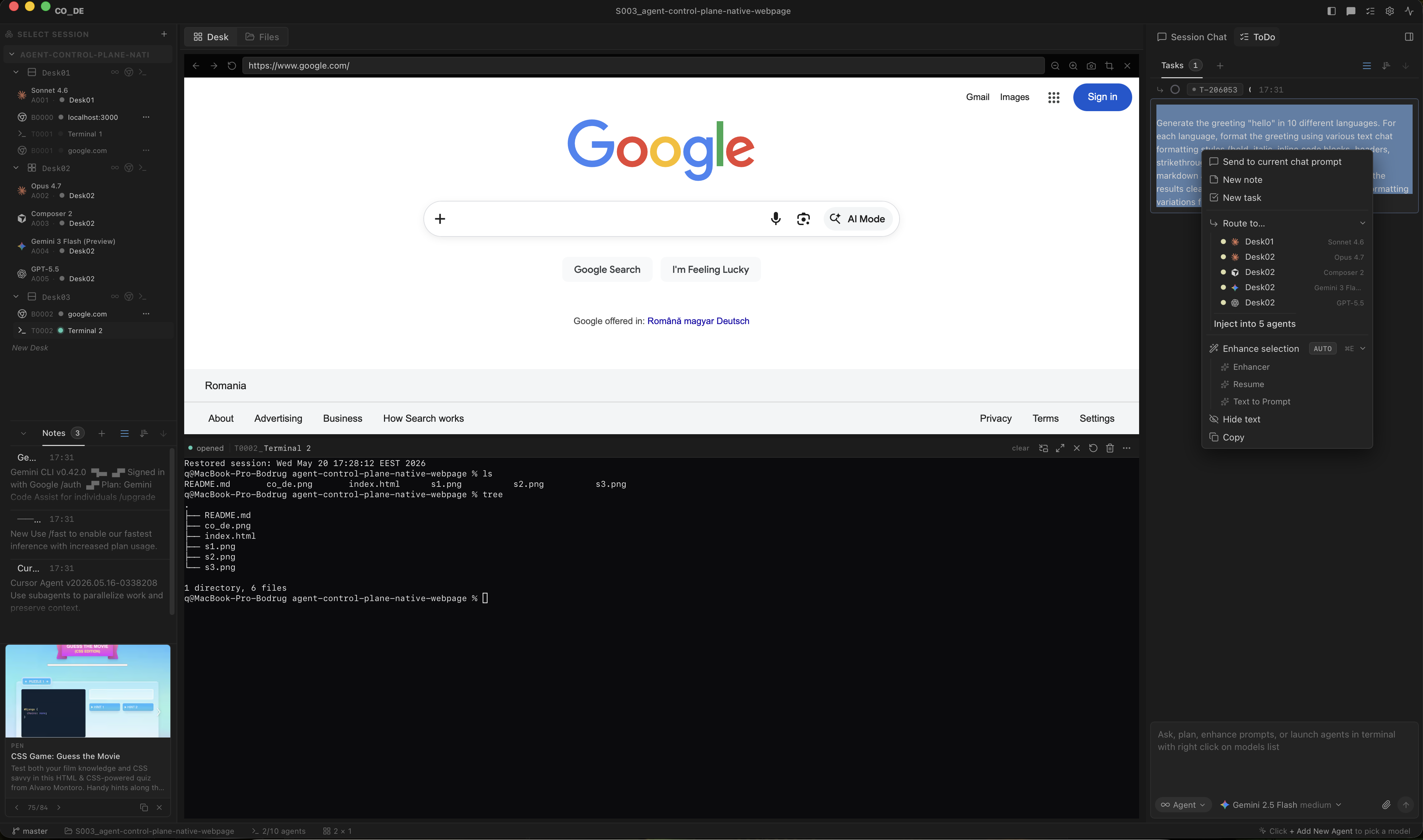
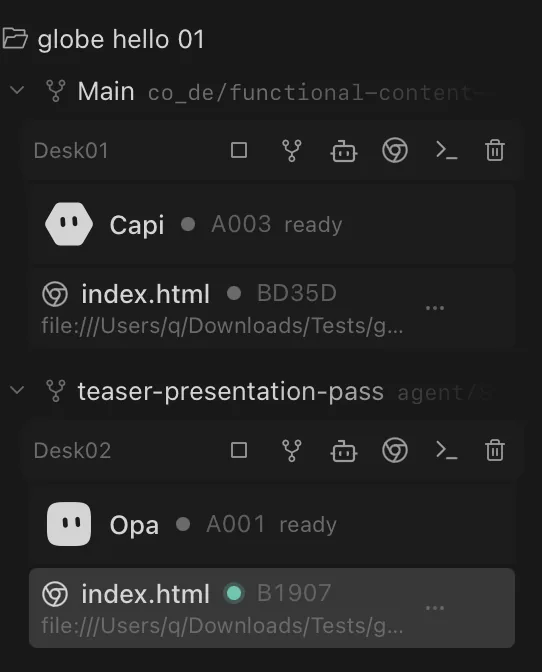
Work side-by-side — route prompts to any agent, keep your browser, terminal, and task context together in one structured workspace. Nothing closes when you switch focus.
03 The orchestrator seat
The seat is yours.
And it runs off the meter.
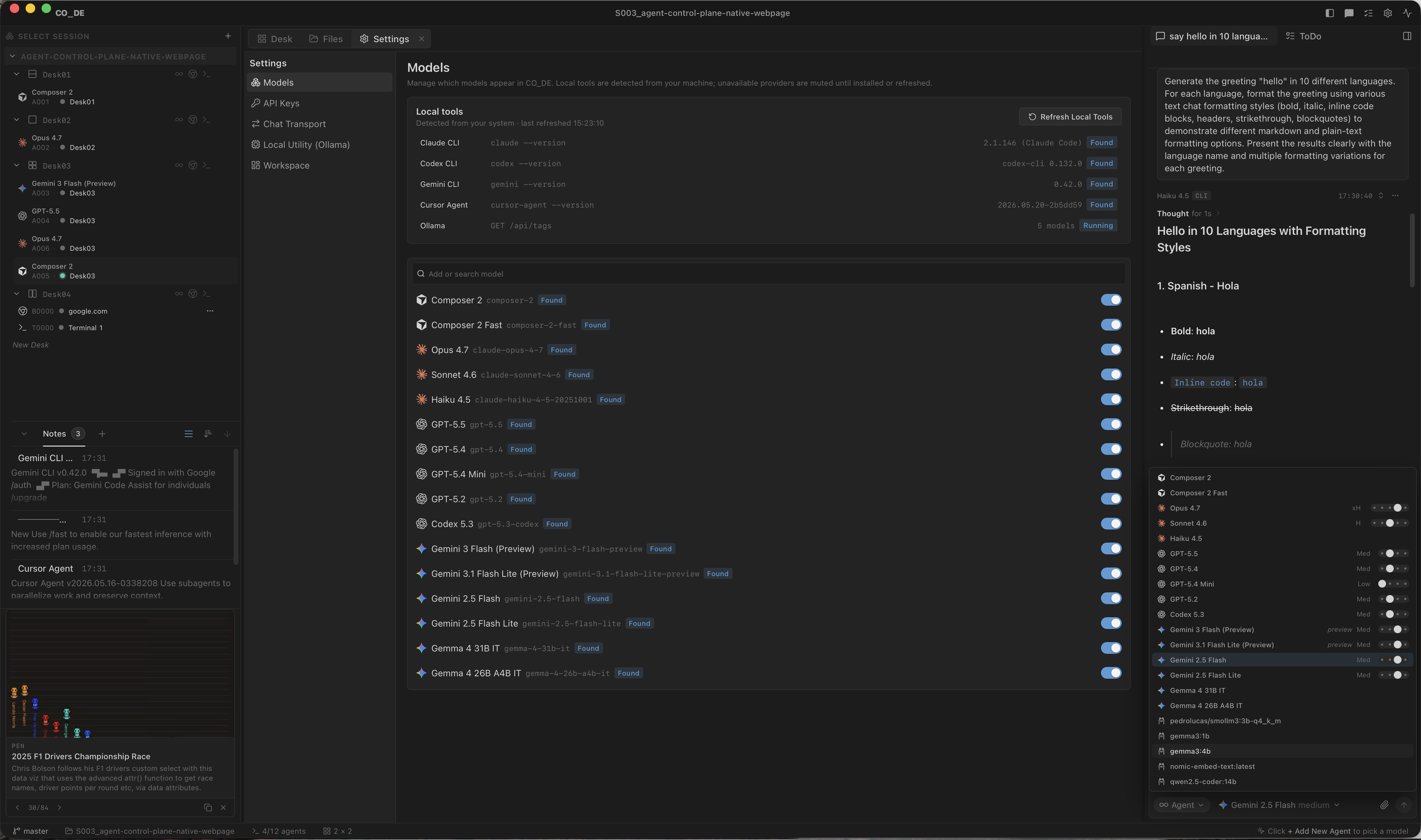
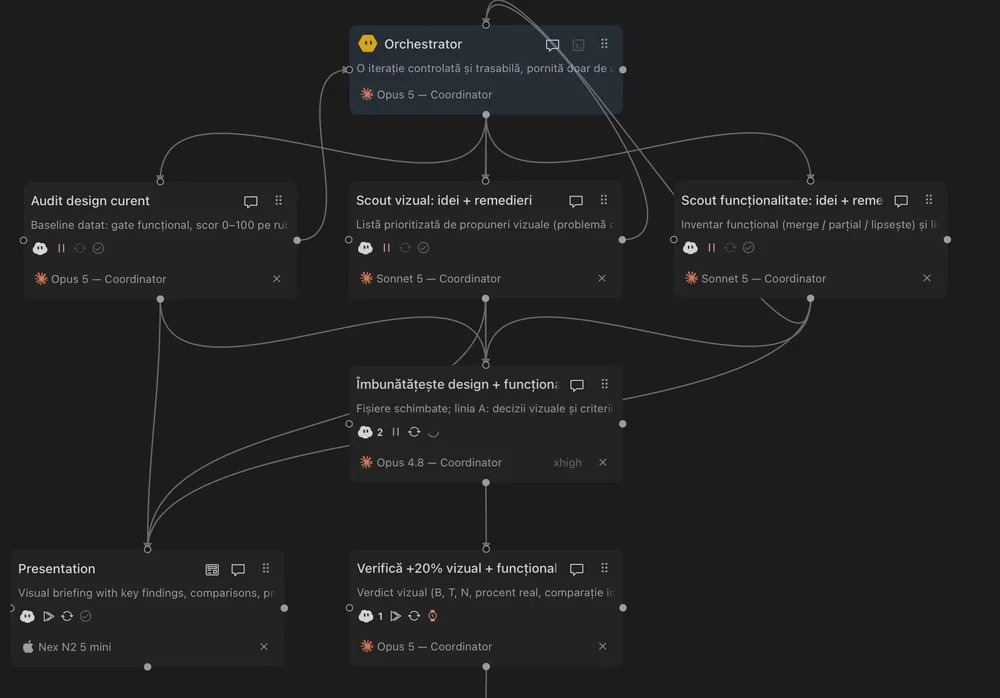
Pick the brain that runs the meeting: a local model on your own GPU, your Claude or ChatGPT subscription through its own official CLI, or any OpenAI-compatible / LiteLLM endpoint — your login, your terminal. It dispatches to the coding agents you already pay for, each on its own worktree, and answers them when they get stuck. The seat is not locked to the app's own chat either: over MCP any CLI — internal or external — and any local model in any harness can sit in it. CO_DE detects the CLIs and local servers already on your machine; Settings → Local Tools shows what is ready.
Local model
Your own CLI login
OpenAI-compatible
04 Features
Every tab,
and what it does.
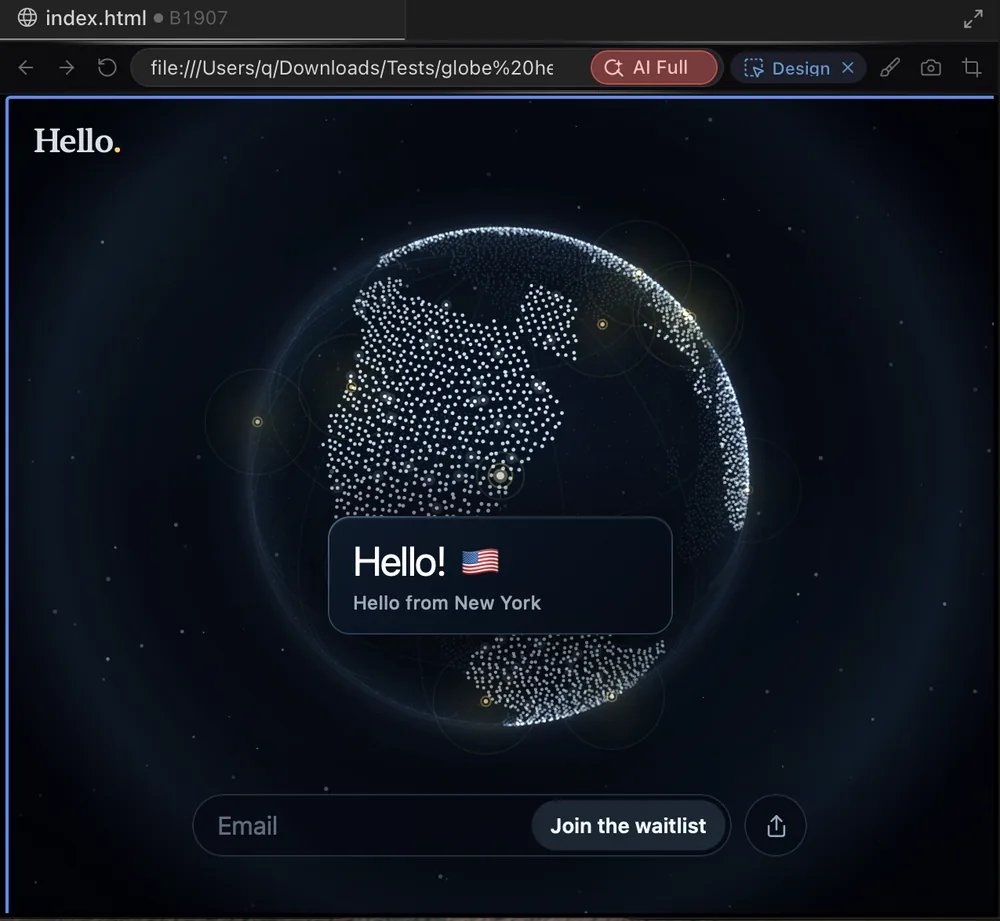
What is in the app today, tab by tab. The list is kept in the repo next to the code and re-read at every release, so it describes the build you download — not a plan.
05 Changes
What shipped,
release by release.
Straight from the app's own history, newest first — rewritten with every build that goes out.
Get CO_DE today
macOS available now. Windows and Linux later. Use your own CLI subscriptions — no central sync required.
Windows
Planned via GitHub Releases
Linux
Planned via GitHub Releases
Quick setup
Install the local provider CLIs you want to use:
npm install -g \
  @anthropic-ai/claude-code \
  @openai/codex \
  @google/gemini-cli \
  @cursor/sdk
Already have them installed? CO_DE will detect them automatically.
After installing new CLIs: Settings → Refresh Local Tools.
Using Ollama? Install the desktop app — CO_DE detects it via localhost.